

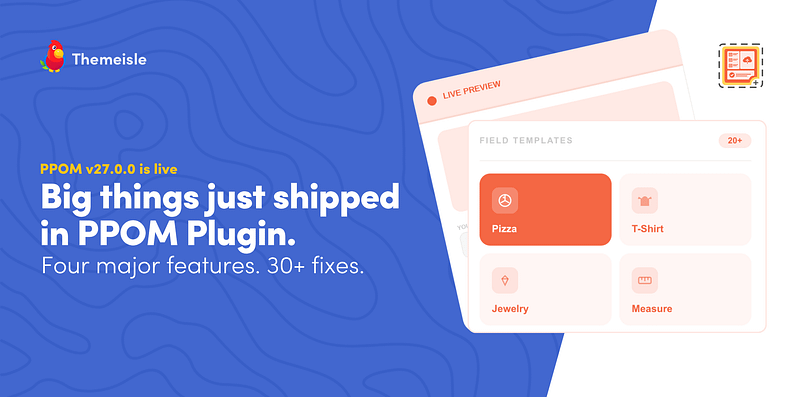
PPOM v27.0.0 Update is now live, bringing a new template library, live product preview, WooCommerce block cart support, variation-based conditional fields, a rebuilt field builder UI, performance improvements, and more than 30 bug fixes.
This release focuses on improving the parts of PPOM that slowed users down the most. From ready-made templates and real-time product previews to smarter variation logic and full block cart compatibility, the update makes building personalized WooCommerce product experiences faster, easier, and far more flexible.
If you already use PPOM, you know how powerful it can be. If you are discovering it for the first time, here is the quick overview.
PPOM is a WooCommerce plugin that lets you add custom fields to any product page. Text inputs, dropdowns, file uploads, image choices, color pickers, date selectors, and 30+ more custom fields. Your customers can personalize their order exactly as they want, and you have full control over how those fields look and behave. No code required.
It is available as a free plugin on WordPress.org and as a Pro version with advanced features for stores that need more.
Now let’s get into what just shipped.
Template Library
Until now, every field group in PPOM has started from a blank canvas. You would add fields one by one, configure each one, test how it looked, adjust, and repeat. For experienced users, this was a workflow. For new users, it was a barrier.
The new template library changes that. Instead of building from scratch, you can now pick from a library of ready-to-use presets built for common use cases.
Available presets include:
- Pizza ordering
- T-shirt personalization
- Jewelry engraving
- Made-to-measure
One click to apply, then tweak from there. It is the fastest way to get a field group live, and a great starting point even if you end up customizing everything.
Live Preview
Checking how your fields looked on the product page used to mean saving your work, opening the frontend in a separate tab, reviewing it, coming back, adjusting, and repeating. Every small change meant another round trip.
Not anymore.
The field group editor now shows you exactly how your fields will look on the product page in real time. No more switching tabs or testing on the frontend to check your layout.
This is one of those changes that sounds small but makes a big difference to how quickly you can build and iterate.
Conditional Fields for Product Variations
PPOM’s conditional logic was already powerful, but there was one major limitation: it could not react to WooCommerce’s native product variations like Size, Color, Material, or Style.
That changes with this new release.
You can now display entire PPOM field groups based on selected WooCommerce product variations. When a customer switches variations, PPOM automatically shows only the relevant customization fields for that specific choice.
Cart Edit Now Supports the Block Cart
Cart Edit lets customers update their custom options directly in the cart without removing the item and starting over. It has always been one of the most useful PPOM features, but it only worked with the older WooCommerce shortcode cart.
Most stores running modern themes use the block-based cart by default, and those customers cannot use Cart Edit at all.
That is fixed. Both cart experiences now work the same way.
If your store runs on the WooCommerce block cart and you have been holding off on Cart Edit, now is the time to try it.
Also in This Release
Rebuilt Field Builder UI
The field builder got a full visual overhaul. Modernized layout, cleaner inputs, a new color picker, and a dedicated Advanced section for less-used options. It is faster to use and easier to navigate.
Auto-Save and Unsaved Changes Warning
The field group editor now auto-saves your work and warns you if you try to leave with unsaved changes. You will never lose a field configuration to an accidental tab close again.
Performance Improvements
Reduced database queries and PHP overhead on product pages. Stores with complex field groups will notice faster load times.
30+ Bug Fixes
This release of PPOM v27.0.0 includes over 30 bug fixes, including:
- iOS Safari file upload issues
- WCML currency conversion
- Image fields not appearing in the WooCommerce Cart Block
- Multi-group CSS rendering
And more, click here to view the complete changelog.
Ready to Try It?
Update PPOM from your WordPress dashboard.
Not using PPOM Pro yet? Upgrade today with a 30-day no-questions-asked money-back guarantee and unlock the full power of Visualizer.
If you have questions or feature requests for the next release, feel free to leave a comment below

FREE GUIDE
4 Essential Steps to Speed Up Your WordPress Website
Follow the simple steps in our 4-part mini series and reduce your loading times by 50-80%. 🚀


Great update! It’s good to see continuous improvements in PPOM, especially since product customization is becoming more important for WooCommerce stores. Features like flexible fields, conditional logic, and better usability really help businesses offer personalized shopping experiences, which can directly impact conversions.
I also appreciate how updates like this focus not just on new features but also on stability and compatibility, which are crucial for store owners managing multiple plugins.